
Track a Case
How a Reporter unlocks Case tracking after submit. Tracking is public (/track) and does not use an Admin account.
Who this is for
- Reporters who kept their Case reference and Access token (and passphrase when no email was used).
- Support staff helping someone check status without opening Admin Case detail.
Unlock form
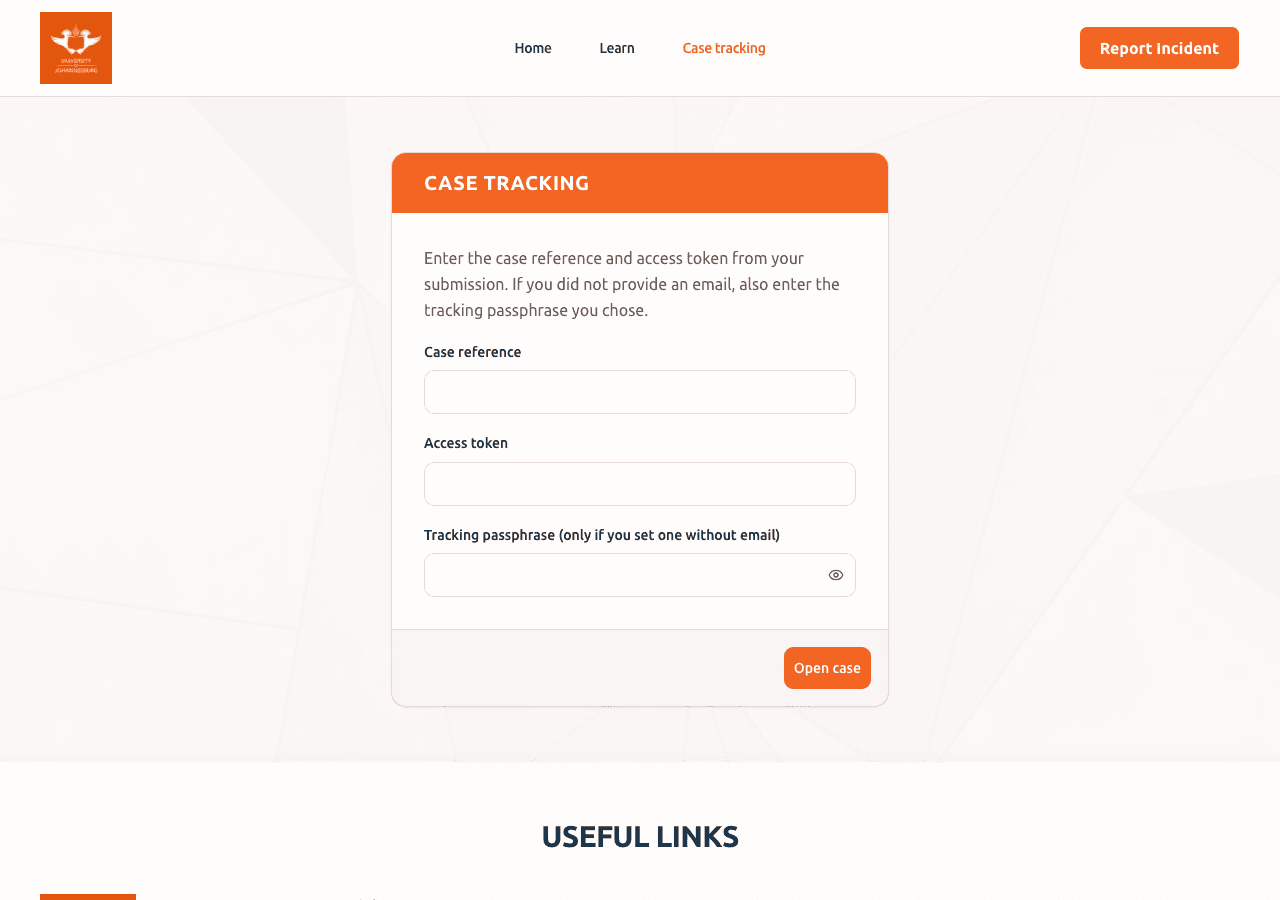
Open /track (or use a track link from email). Enter:
- Case reference (for example
GBV-2026-00041) - Access token (short secret shown only at submit / in email)
- Tracking passphrase when the Report was submitted without email
Copy values carefully: spacing and letter case matter for the token and passphrase.
After unlock
The Reporter can see:
- Current Case status (Reporter-facing wording)
- Reporter-visible Investigation updates
- A path to add Additional information or Evidence when the Case still accepts Reporter input
Do not share Access tokens or passphrases publicly. Admin Case pages must stay out of search indexes; /track is noindex.
What you will not see
- Internal Admin notes that were not marked for the Reporter
- Other people's Cases
- The Admin workspace, Team roster, or Audit trail
Troubleshooting
| Problem | What to try |
|---|---|
| Unlock fails | Re-enter Case reference, Access token, and passphrase (if required). Prefer paste from a saved copy. |
| Forgot Access token | Check the submit confirmation or email. Admins cannot look up or resend the Access token. |
| Forgot passphrase (no email) | The passphrase cannot be recovered. A new Report would create a different Case. |
| No new updates | Status may stay the same while the Case is Assigned or Under investigation. Check again later. |
Related Admin view
Admins follow the same Case under My Cases or Cases (by role). Status labels in Admin use Admin wording such as Under investigation and Pending closure. After sign-in, open the Case lifecycle guide from Admin User Guides.