
Submit a Report
How a Reporter starts a Report on the public site. No account is required. Submitting creates a Case and shows Case credentials (Case reference and Access token).
Who this is for
- Anyone who needs to report gender-based violence or related harm at UJ (survivor, witness, or someone supporting the person affected).
- Staff who walk someone through the public form should use this guide, not Admin Case screens, during the Reporter journey.
Admins and Super Admins handle the resulting Case in the Admin workspace after Assignment. They never receive the Access token.
Accept the disclaimer
Opening /report shows a mandatory disclaimer. The Reporter must tick I have read and agree to the disclaimer, then choose Agree. Decline returns home without starting a Report.
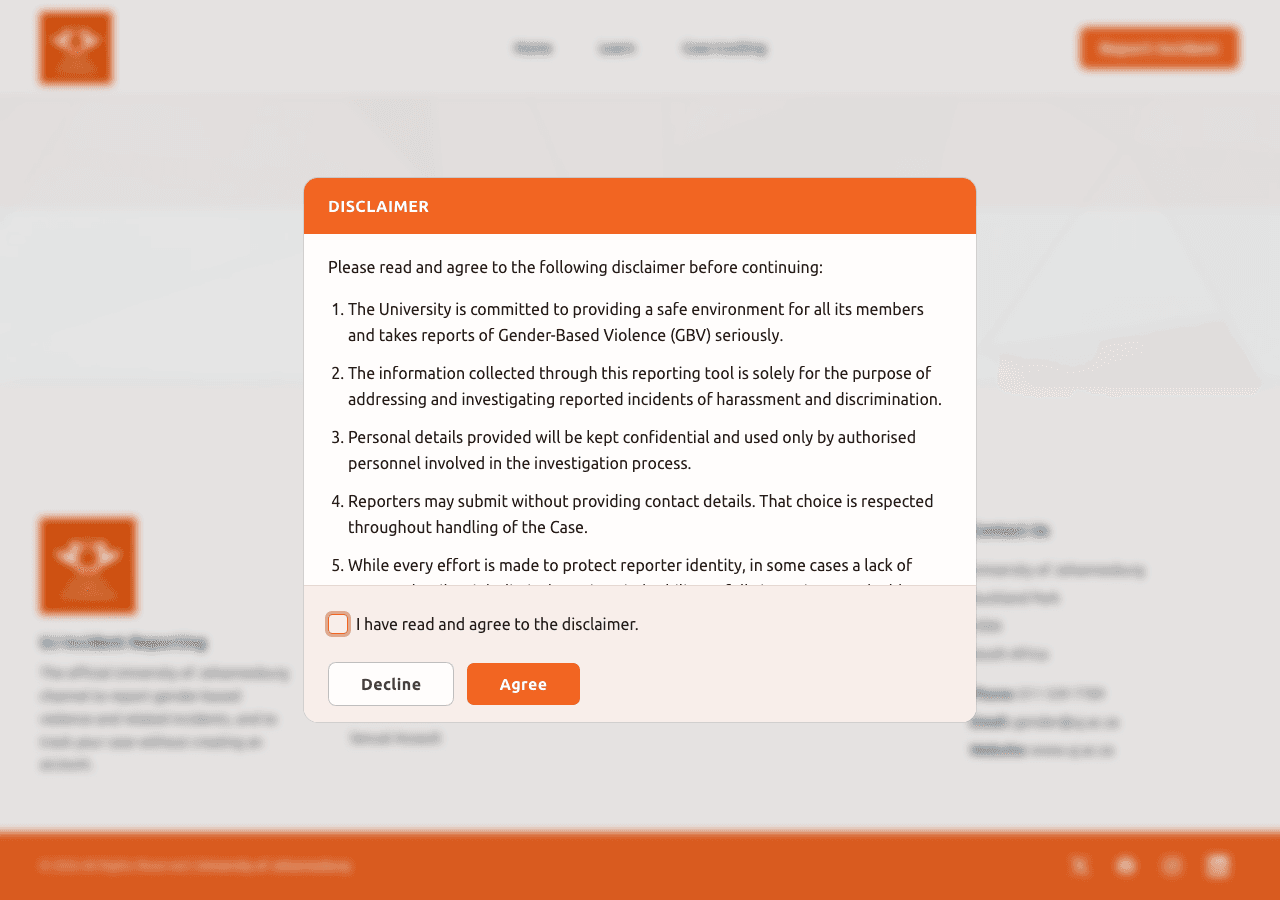
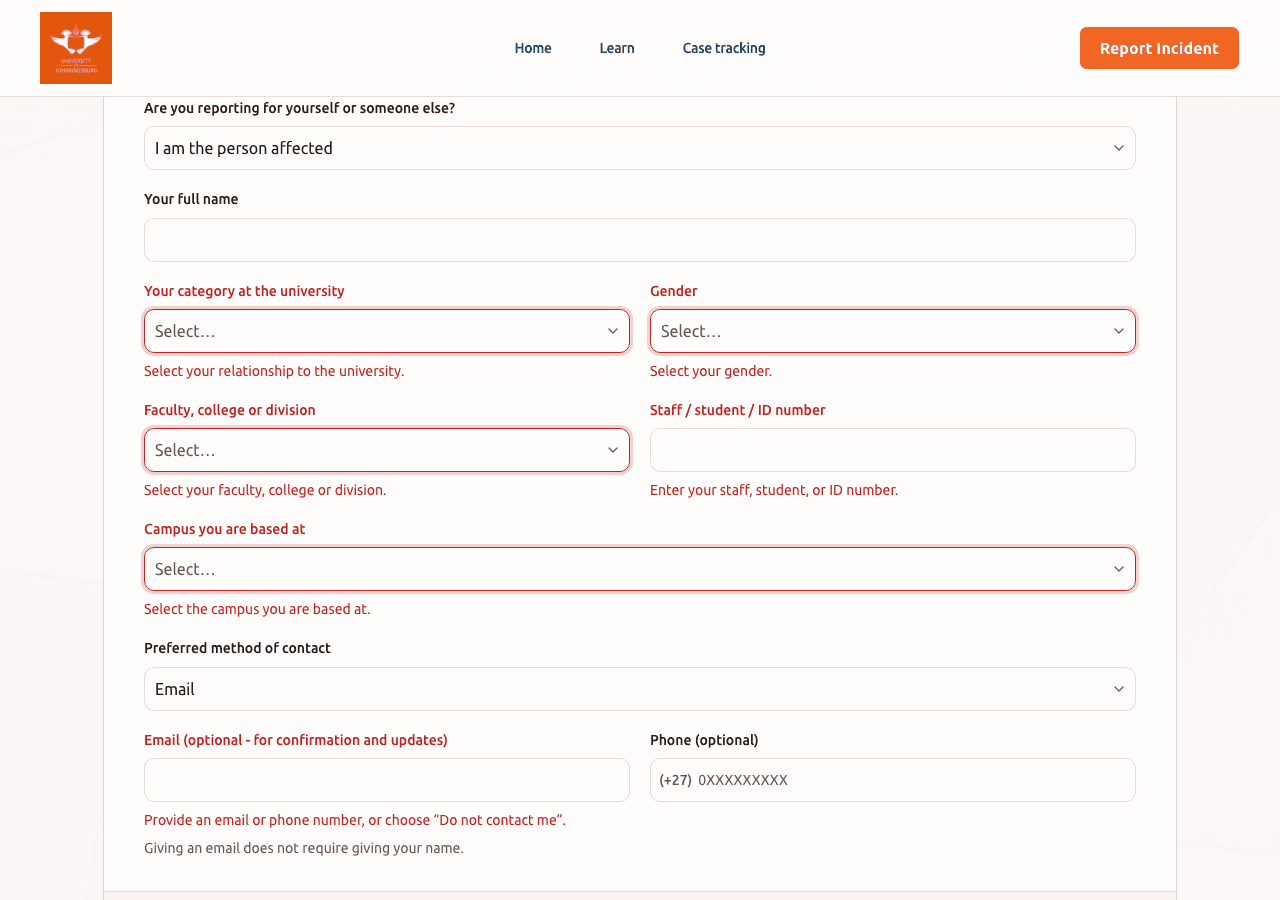
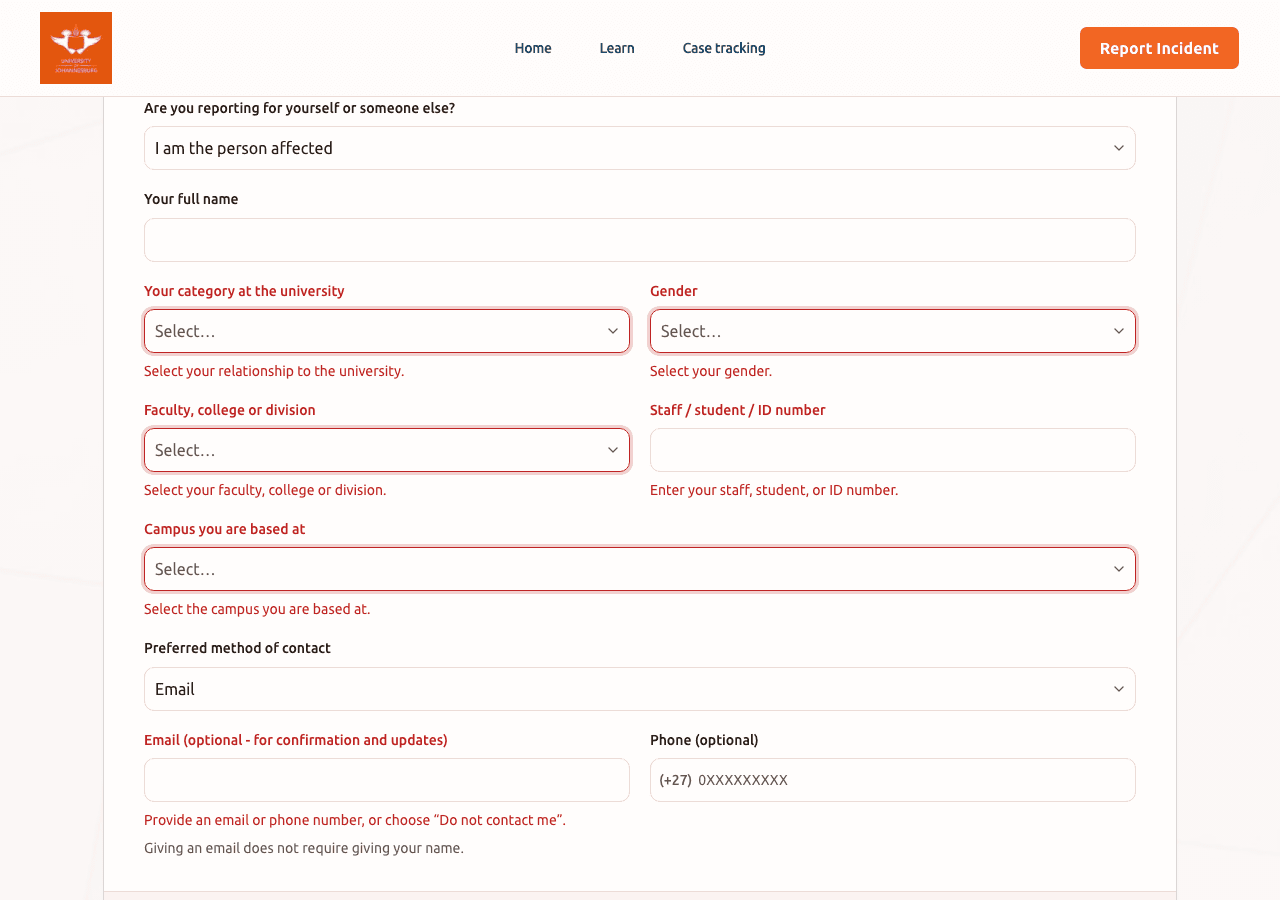
Step 1 - Who is reporting
After Agree, the wizard opens at Who is reporting. Choose whether the Reporter is the person affected or reporting for someone else, then complete identity and campus fields as prompted. Anonymous contact options are available later in the flow when email is not provided.
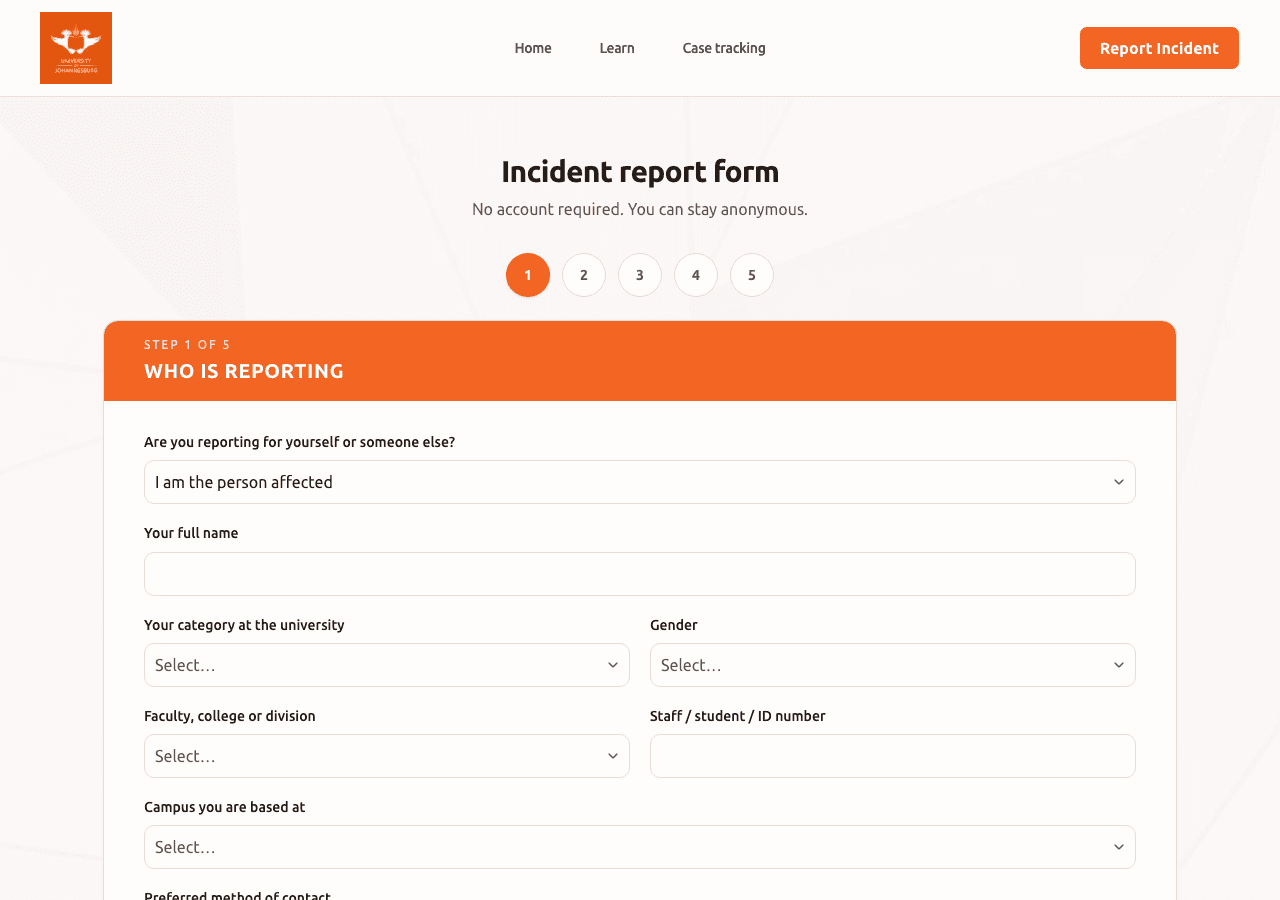
Later wizard steps
Use Next and Back to move through:
- Person affected (only when reporting for someone else)
- Incident details (narrative, campus, type, Evidence files)
- Alleged perpetrator
- Prior reporting and support (and tracking passphrase when no email is provided)
- Confirm and submit
Evidence uploads are optional but helpful. Prefer clear photos or PDFs; oversized or blocked file types will show an error on that step.
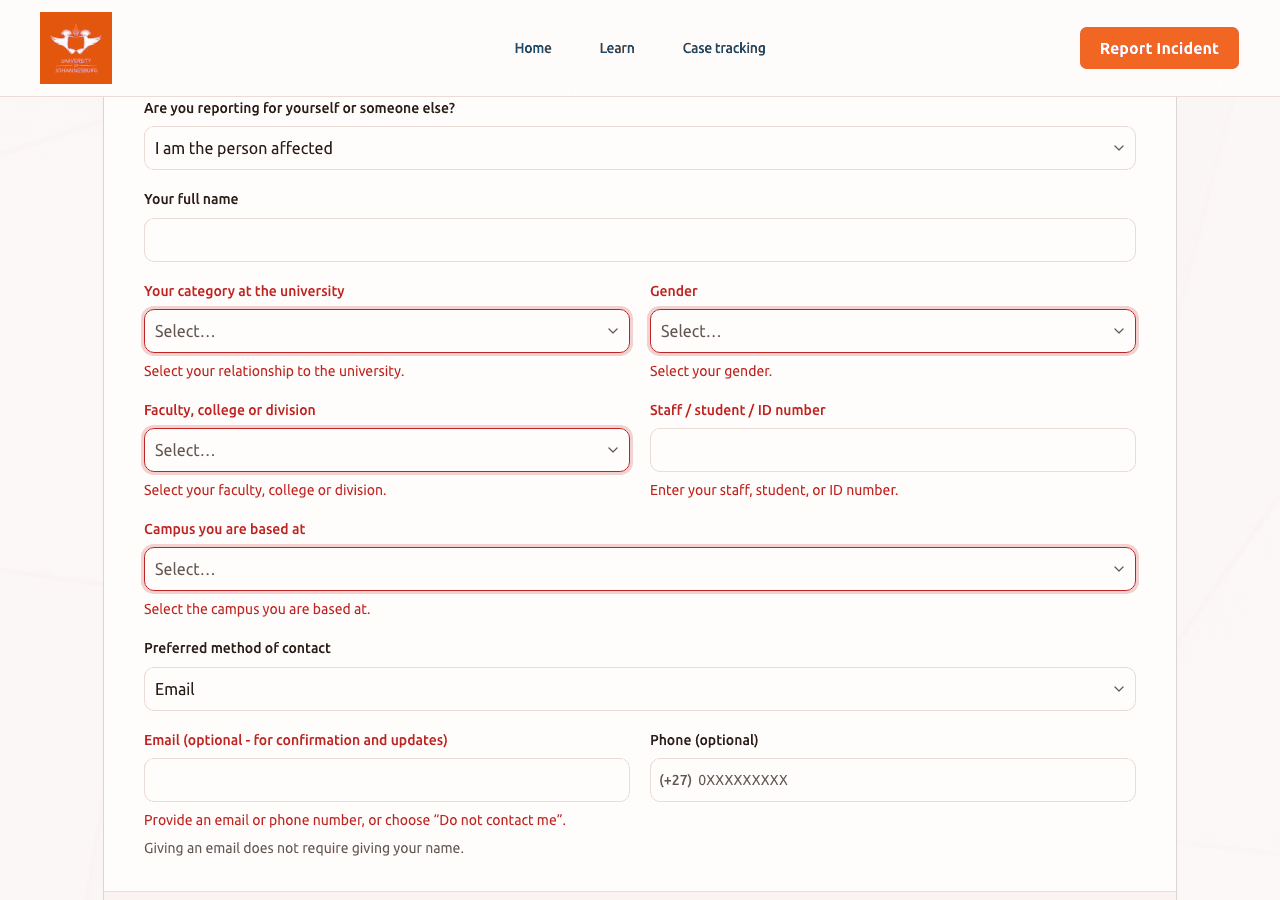
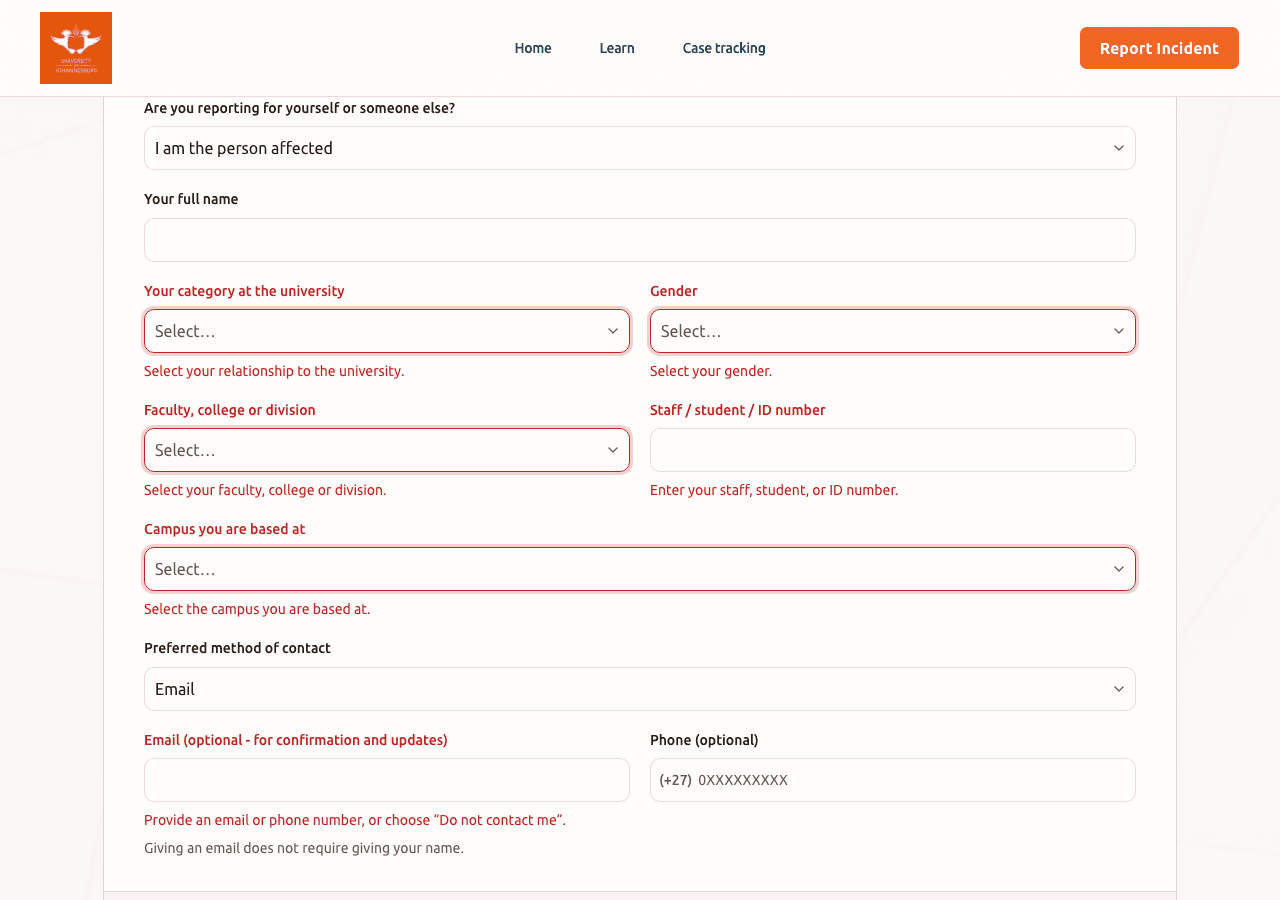
After submit
The confirmation screen shows the Case reference and Access token. Store both safely (password manager, printed note, or trusted contact). With email contact, a track link may also be sent. Passphrase-based tracking applies when no email was given. The passphrase is chosen on the support step and is required later on /track.
Admins never see the Access token in the Admin workspace; they work from the assigned Case there.
Troubleshooting
| Problem | What to try |
|---|---|
| Disclaimer will not close | Tick the agreement checkbox, then Agree. Decline leaves the form. |
| Cannot upload Evidence | Check file type and size; remove and retry a smaller file. Continue without Evidence if needed and add files later via Case tracking. |
| Lost credentials after submit | If you used email, check for the track message. Without email, only the on-screen Case reference, Access token, and passphrase can unlock /track. They cannot be recovered from Admin. |
| Session expired mid-wizard | Start again from /report. Unsubmitted draft answers are not kept across long idle periods. |
Related guides
- Track a Case: unlock status and updates after submit
- Admin getting started: for invited Admins only (sign-in and TOTP)